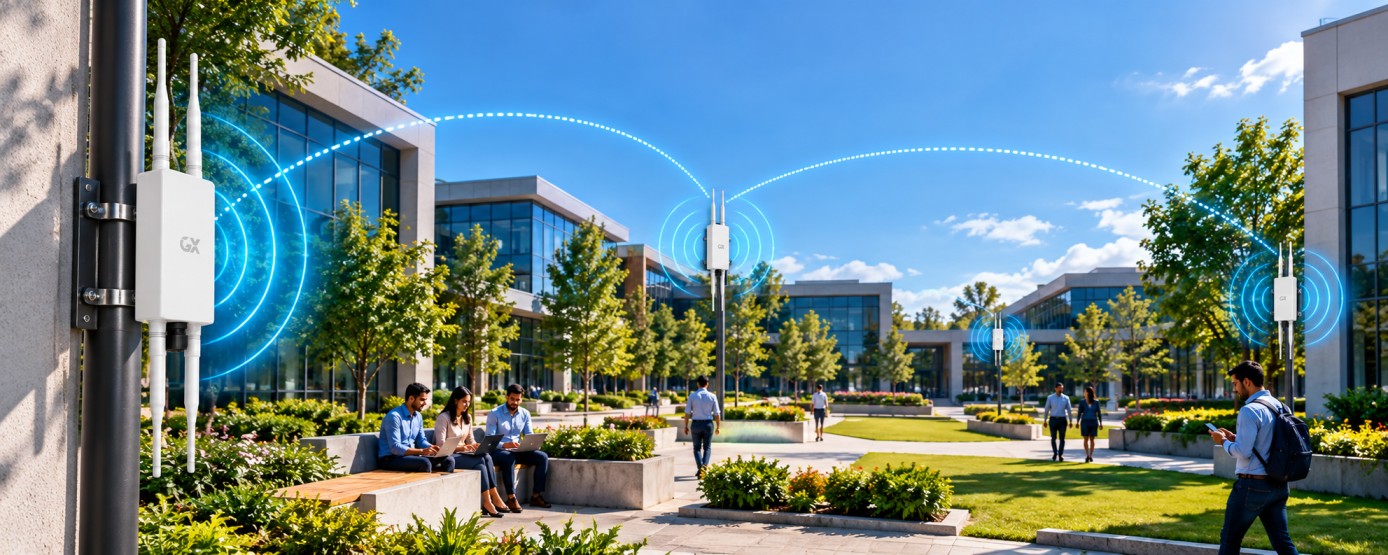
Build reliable apartment Wi-Fi with smart coverage, capacity planning, secure networking, and seamless connectivity for every resident.
In this article
- •Why Wi-Fi Can Be Challenging in Apartment Communities
- •Start With a Proper Site Survey
- •Choose the Right Access Point Placement
- •Choose the Right Access Point Placement
- •Design for Capacity, Not Just Coverage
- •Use a Reliable Wired Network Backbone
- •Separate Residents, Staff, and IoT Devices
- •Optimize Wi-Fi Channels and Power Levels
- •Provide Seamless Roaming
- •Prioritize Critical Applications
- •Secure the Network
- •Monitor and Maintain the Network
- •A Scalable Wi-Fi Architecture for Apartment Communities
- •Final Thoughts
Reliable Wi-Fi has become an essential part of modern apartment living. Residents use wireless networks for remote work, online learning, entertainment, smart home devices, video calls, security cameras, and everyday communication. In a large apartment community, however, delivering consistent Wi-Fi performance can be challenging.
Multiple apartments, hundreds of connected devices, thick walls, neighboring networks, and high-bandwidth applications can all affect wireless performance. A well-planned Wi-Fi network can solve these challenges by combining the right access points, network design, capacity planning, and ongoing monitoring.
Why Wi-Fi Can Be Challenging in Apartment Communities
Apartment buildings create a unique wireless environment. Many networks operate close to one another, which can increase interference and reduce performance.
Common challenges include:
- High device density across multiple apartments
- Interference from neighboring Wi-Fi networks
- Thick concrete or brick walls
- Limited wireless coverage in certain rooms
- Network congestion during peak hours
- Increasing demand from smart home and IoT devices
- High bandwidth requirements for streaming and video calls
Simply installing more access points does not always solve these problems. The network needs to be designed according to the building layout, expected users, device density, and bandwidth requirements.
1. Start With a Proper Site Survey
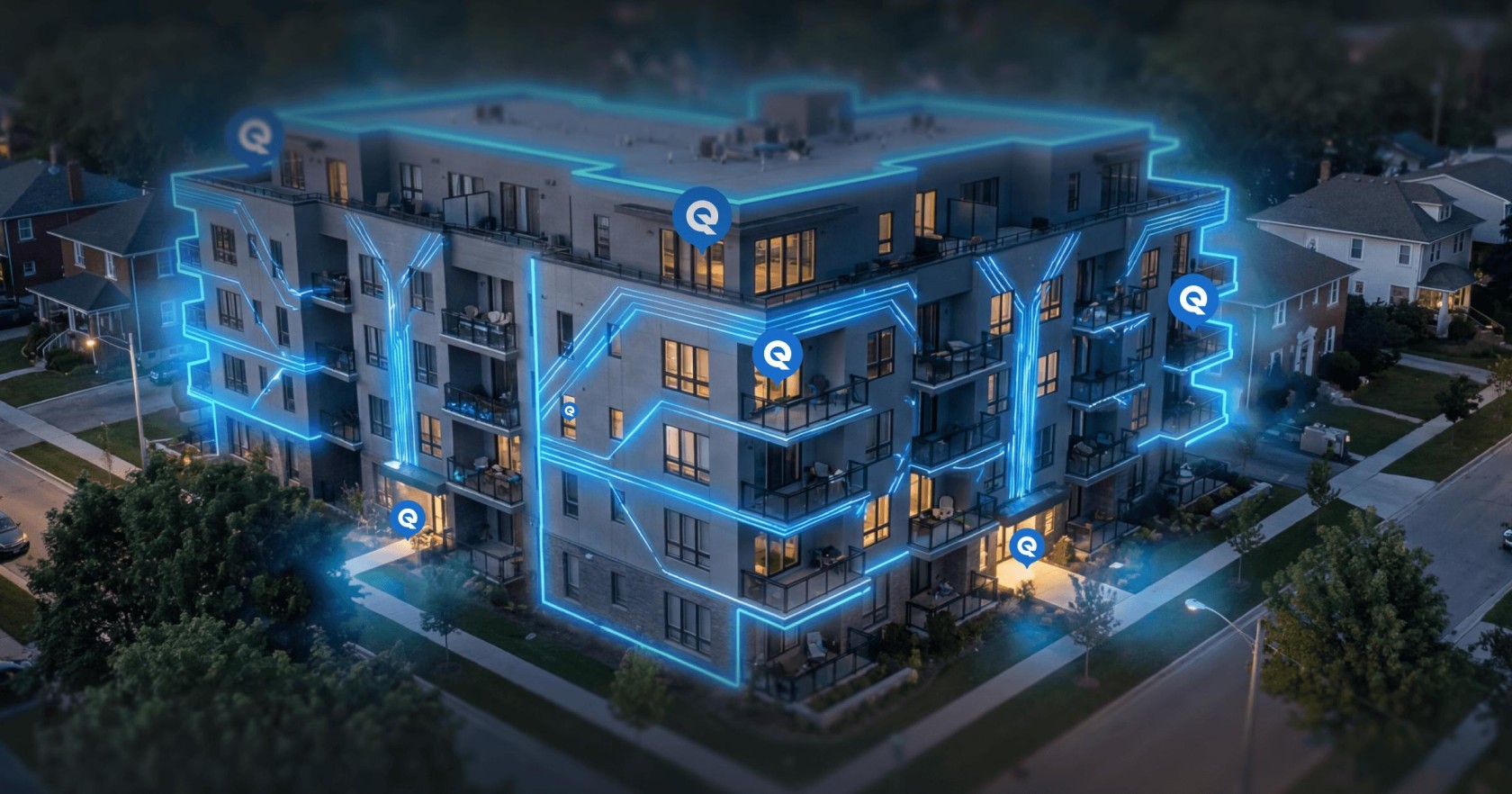
Before installing Wi-Fi equipment, conduct a wireless site survey. This helps identify areas with weak signals, sources of interference, wall attenuation, and locations that require additional coverage.
A site survey should consider:
- Building size and floor layout
- Number of apartments per floor
- Wall and floor construction
- Expected number of users and devices
- Existing wireless networks
- High-traffic common areas
- Areas requiring continuous connectivity
Planning the network before installation can reduce dead zones and avoid unnecessary equipment costs.
2. Choose the Right Access Point Placement
Access point placement has a major impact on Wi-Fi performance. APs should be positioned to provide balanced coverage rather than simply maximizing signal strength.
For apartment communities, access points may be required in:
- Residential corridors
- Common areas
- Lobbies and reception areas
- Clubhouses
- Gyms and recreational spaces
- Parking and outdoor areas
- High-density community spaces
Avoid placing APs behind large obstacles, inside cabinets, or near sources of electromagnetic interference.
3. Design for Capacity, Not Just Coverage
Strong Wi-Fi coverage does not necessarily mean good Wi-Fi performance. A single access point may provide a strong signal but struggle when too many devices connect simultaneously.
Capacity planning should consider the expected number of:
- Smartphones
- Laptops
- Smart TVs
- Tablets
- Cameras
- Smart home devices
- Gaming consoles
- IoT devices
Modern Wi-Fi standards such as Wi-Fi 6 can help networks handle higher device density more efficiently through technologies such as OFDMA and improved resource scheduling.
4. Use a Reliable Wired Network Backbone
Wireless performance also depends on the network behind the access points. A reliable Ethernet or fiber backbone is essential for delivering bandwidth throughout a large apartment property.
A typical architecture can include:
Internet → Router/Firewall → Core Switch → Distribution Switches → Access Points
For larger properties, fiber uplinks can provide high-capacity connections between network rooms and floors while reducing bottlenecks.
Network switches should also provide sufficient uplink capacity and support features such as VLANs, PoE, and centralized management where required.
5. Separate Residents, Staff, and IoT Devices
Network segmentation improves security and makes network management easier.
For example, an apartment community can create separate networks for:
- Residents
- Property management staff
- Security systems
- Building automation
- Guest users
- IoT devices
VLANs and appropriate firewall policies can help prevent unnecessary communication between different network segments while keeping critical systems protected.
6. Optimize Wi-Fi Channels and Power Levels
In apartment buildings, neighboring networks can create significant channel interference. Automatic channel management and appropriate transmit power settings can help reduce wireless congestion.
The 2.4 GHz band generally provides better range but has fewer non-overlapping channels and is more susceptible to congestion. The 5 GHz band provides more capacity, while newer Wi-Fi technologies can also take advantage of additional spectrum where supported.
A good network design should balance coverage, channel utilization, and client capacity rather than simply increasing transmit power.
7. Provide Seamless Roaming
Residents and staff often move between rooms, corridors, elevators, and common areas while using their devices.
A properly designed multi-AP network should support smooth client roaming so devices can move between access points with minimal interruption.
This is particularly important for:
- Voice and video calls
- Streaming
- Mobile applications
- Security and operational devices
- Smart building systems
Features such as 802.11k, 802.11v, and 802.11r can assist roaming when supported by both the network and client devices.
8. Prioritize Critical Applications
Not every application has the same network requirements. Video calls, security systems, and operational applications may need more consistent performance than casual web browsing.
Quality of Service (QoS) can help prioritize important traffic and manage bandwidth during periods of high usage.
For example, network policies can prioritize business-critical applications while preventing a small number of high-bandwidth activities from consuming excessive network resources.
9. Secure the Network
Security should be included from the beginning of the Wi-Fi design.
Recommended practices include:
- Use strong wireless encryption
- Keep network equipment firmware updated
- Separate guest and resident traffic
- Use secure administrator credentials
- Apply appropriate firewall policies
- Monitor unusual network activity
- Disable unnecessary services
- Use secure authentication for staff networks
For managed apartment Wi-Fi, centralized authentication and user management can also simplify access control.
10. Monitor and Maintain the Network
Wi-Fi deployment should not end after installation. Continuous monitoring helps identify problems before they become major service issues.
Network administrators should monitor:
- Access point health
- Connected clients
- Channel utilization
- Signal strength
- Bandwidth consumption
- Network latency
- Packet loss
- Authentication failures
- Device and AP uptime
Analytics and centralized management platforms can make it easier to identify overloaded access points and areas that need optimization.
A Scalable Wi-Fi Architecture for Apartment Communities
A reliable apartment Wi-Fi network can follow a layered architecture:
Internet Connection
↓
Gateway / Firewall
↓
Core Network
↓
Managed PoE Switches
↓
Wi-Fi 6 / Wi-Fi 6E Access Points
↓
Residents + IoT + Staff + Guest Devices
This approach makes the network easier to expand as the apartment community grows and the number of connected devices increases.
Final Thoughts
Building reliable Wi-Fi for an apartment community requires more than installing access points. It requires careful planning around coverage, capacity, interference, wired infrastructure, security, roaming, and network monitoring.
By conducting a proper site survey, selecting the right access points, building a high-capacity wired backbone, separating network traffic, and continuously monitoring performance, property owners and network administrators can create a Wi-Fi environment that is reliable, secure, and ready for future demand.
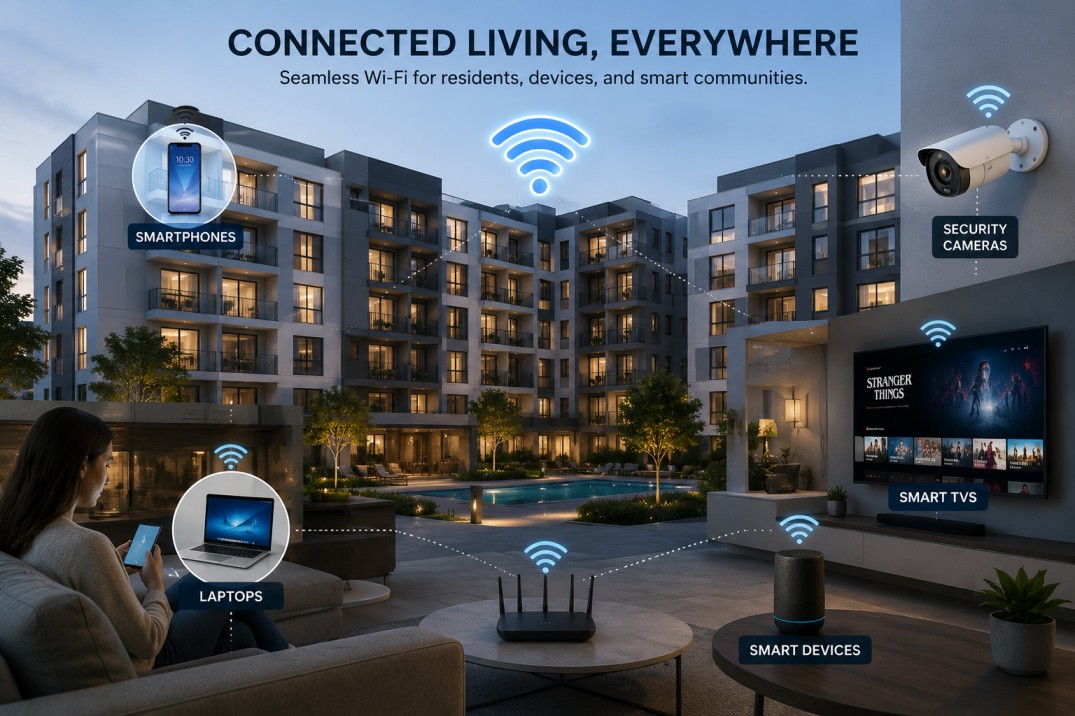
A well-designed Wi-Fi network not only improves the resident experience but also provides a strong foundation for smart building technologies and connected community services.