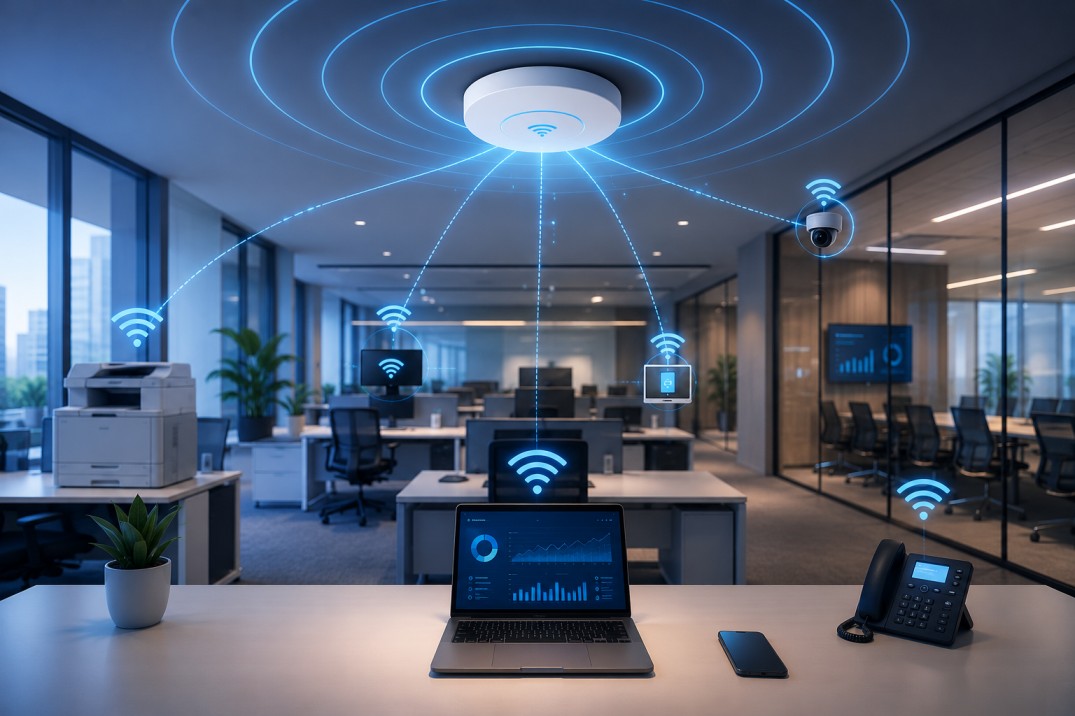
A practical guide to designing reliable office Wi-Fi with better coverage, capacity, security, performance, and scalability.
In this article
- •Introduction
- •Understand Your Office Requirements
- •Design for Coverage and Capacity
- •Choose the Right Access Points
- •Plan Access Point Placement
- •Build a Strong Wired Network
- •Secure Your Office Wi-Fi
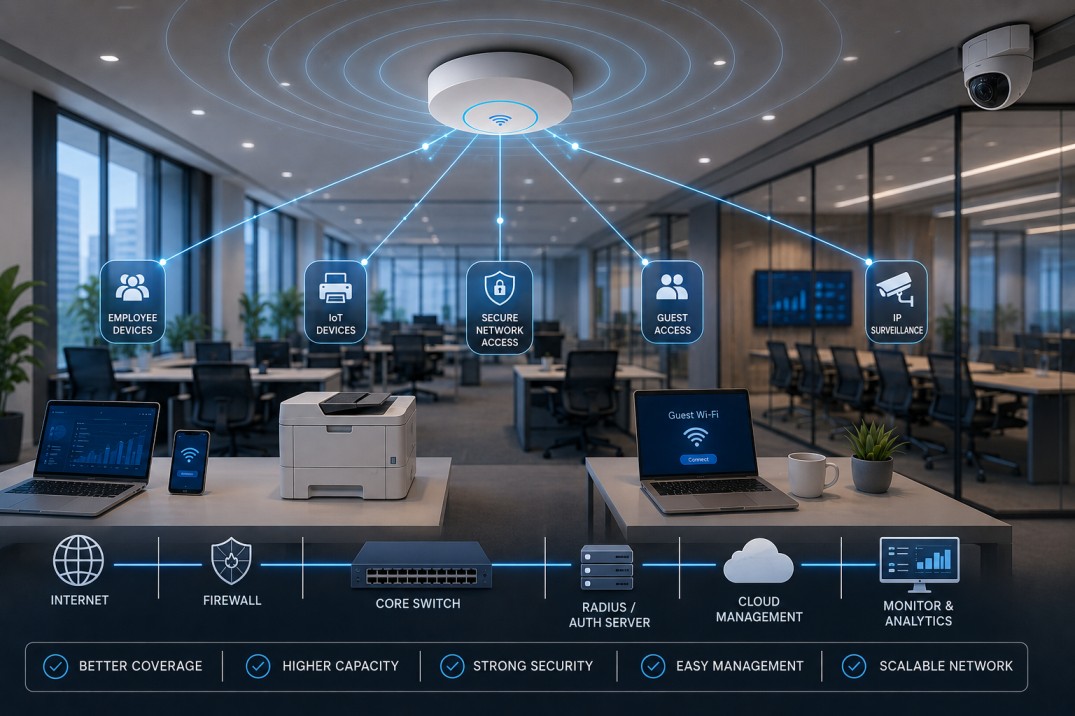
- •Separate Employee, Guest & IoT Networks
- •Monitor and Manage the Network
- •Plan for Future Growth
- •Conclusion
A reliable office Wi-Fi network is essential for modern businesses. Employees depend on wireless connectivity for video meetings, cloud applications, VoIP calls, file sharing, smartphones, laptops, printers, and other connected devices.
However, reliable Wi-Fi is not simply about installing more access points. A successful office network requires proper planning, coverage, capacity, security, infrastructure, and ongoing management.
Understand Your Office Requirements
Before installing any Wi-Fi equipment, understand how the office will use the network.
Consider:
- Number of employees
- Number of connected devices
- Office size and layout
- Number of floors
- Meeting and conference rooms
- Cloud-based applications
- Video conferencing requirements
- Guest connectivity
- IoT and smart devices
- Future employee growth
Planning around actual users and devices helps prevent overloaded access points and poor performance.
Design for Coverage and Capacity
Good Wi-Fi design needs to consider both coverage and capacity.
Coverage determines whether the Wi-Fi signal reaches the required areas, while capacity determines whether the network can handle the number of users and devices connected at the same time.
Modern offices may have multiple connected devices per employee, making capacity planning particularly important. High-density areas such as meeting rooms and training spaces may require additional capacity.
A professional site survey can help identify:
- Signal strength
- Coverage gaps
- Interference
- High-density areas
- Access point locations
- Building obstacles
- Roaming requirements
Choose the Right Access Points
Business Wi-Fi should use access points designed for the expected number of users and applications.
Modern Wi-Fi 6 and Wi-Fi 6E access points can provide better performance and efficiency in environments with many connected devices. The right choice should also consider features such as multi-user support, management capabilities, security, and scalability.
Instead of choosing equipment based only on maximum speed, select access points according to real-world user density and application requirements.
Plan Access Point Placement
Access point placement has a major impact on Wi-Fi performance.
Avoid simply placing an access point wherever power or network connectivity is convenient. APs should be positioned close to the areas where users actually work.
Walls, glass, metal structures, furniture, and other building materials can affect wireless signals. In multi-floor offices, AP placement should also be planned to reduce unnecessary interference between floors.
A Wi-Fi heat map and site survey can provide a clearer picture of where additional coverage or capacity is required.
Build a Strong Wired Network
Wireless performance depends heavily on the wired infrastructure behind the access points.
A modern office should have:
- Reliable Ethernet cabling
- Adequate switch capacity
- Sufficient PoE power for APs
- Proper uplink bandwidth
- Reliable internet connectivity
- Appropriate network architecture
Installing high-performance Wi-Fi access points without sufficient wired backhaul can create a bottleneck and prevent the wireless network from reaching its potential.
Secure Your Office Wi-Fi
Security should be included from the beginning of the network design.
Use strong authentication and modern Wi-Fi security standards, keep network equipment updated, and restrict administrative access.
For business environments, additional security measures such as authentication servers, firewall policies, VLANs, and network monitoring can help protect corporate resources.
Separate Employee, Guest & IoT Networks
Not every device should have access to the same network.
A well-designed office can use separate networks for:
Employee Wi-Fi: Access to authorized business resources.
Guest Wi-Fi: Internet access without direct access to internal company systems.
IoT Network: Dedicated connectivity for printers, smart devices, cameras, and other IoT equipment.
Network segmentation using VLANs can help limit unnecessary communication between different types of devices and improve security.
Monitor and Manage the Network
Installing the network is only the beginning. Continuous monitoring helps identify problems such as overloaded access points, interference, connectivity failures, and unusual network activity.
Cloud-based network management can provide centralized visibility across access points and locations, making it easier for administrators to monitor performance and troubleshoot issues.
Regular monitoring and maintenance are important for keeping an office network reliable over time.
Plan for Future Growth
Your Wi-Fi network should be designed for tomorrow, not just today's requirements.
Consider future:
- Employee growth
- Additional devices
- New applications
- Higher bandwidth requirements
- Additional office locations
- IoT deployments
- Wi-Fi technology upgrades
Choosing scalable switches, sufficient cabling, expandable management platforms, and flexible access-point infrastructure can make future upgrades easier and more cost-effective.
Conclusion
Building reliable office Wi-Fi requires more than strong signal bars. A successful network combines proper planning, capacity-based design, strategic AP placement, reliable wired infrastructure, strong security, network segmentation, and continuous management.
By designing Wi-Fi around the way employees actually work, businesses can create a network that delivers stable connectivity, better performance, improved security, and room for future growth.